Communication Technology 11 · Week 1 · Part 4

Package + defend

Class 3 · 40–70 min · Follow every step in order. Do not skip the expected-result check.

Before you begin: Open the student ZIP, place it in a named course folder, preserve the originals, and save a versioned working file before editing.
Linear build

Do → inspect → repair

Every visible outcome is taught below. A step is not finished until your screen or evidence matches the expected result.

Photoshop procedure support for Adapt to A4 or second audience
Current Photoshop 2026 or supplied production screenshot. Match the named tool/path; minor panel placement may differ.
Step 17

Adapt to A4 or second audience

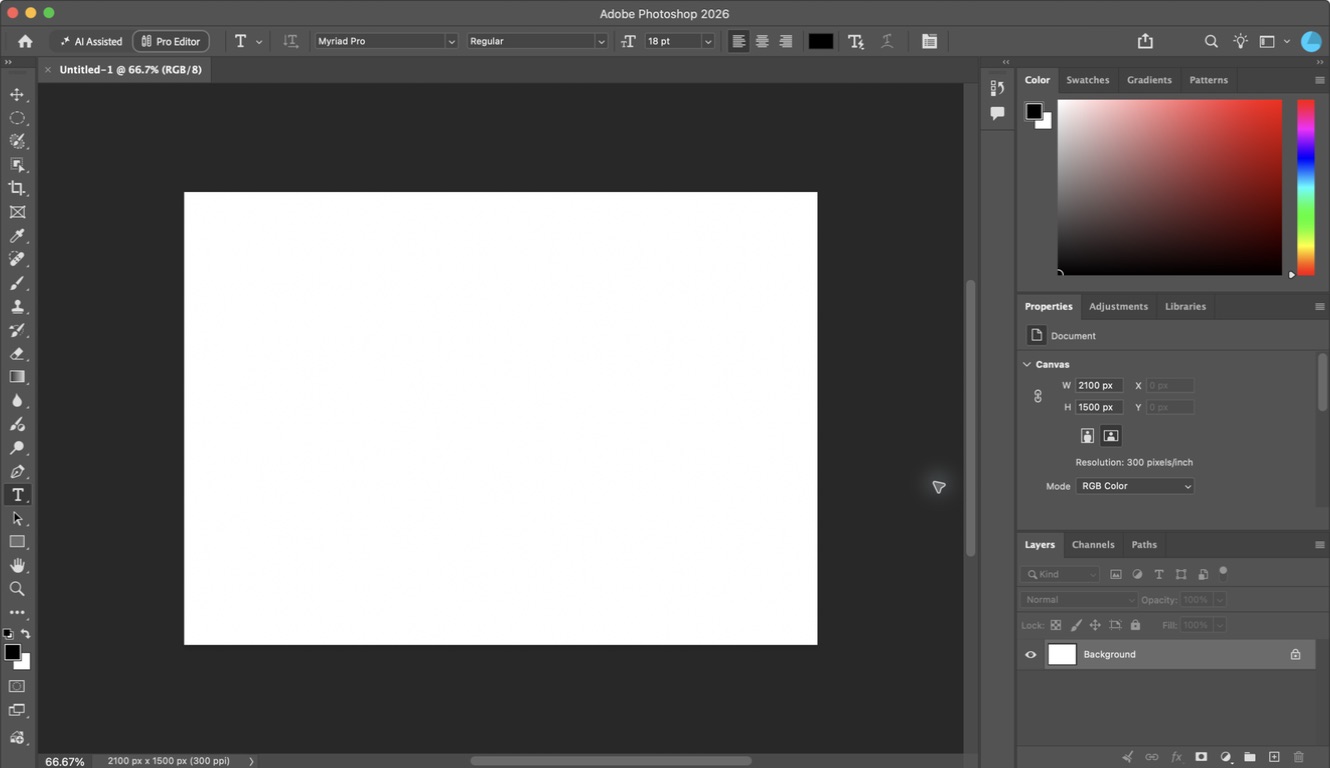
New document using the same system

Hotkey: No required shortcut — use the named menu or panel.

Expected result
Layout changes spatially while palette, type roles and mark remain consistent
Why this matters
Transfer proves the brand is more than one poster
Warning — common failure
Stretching the square design
Repair it
Recompose for the new format
Photoshop procedure support for Audit system consistency
Current Photoshop 2026 or supplied production screenshot. Match the named tool/path; minor panel placement may differ.
Step 18

Audit system consistency

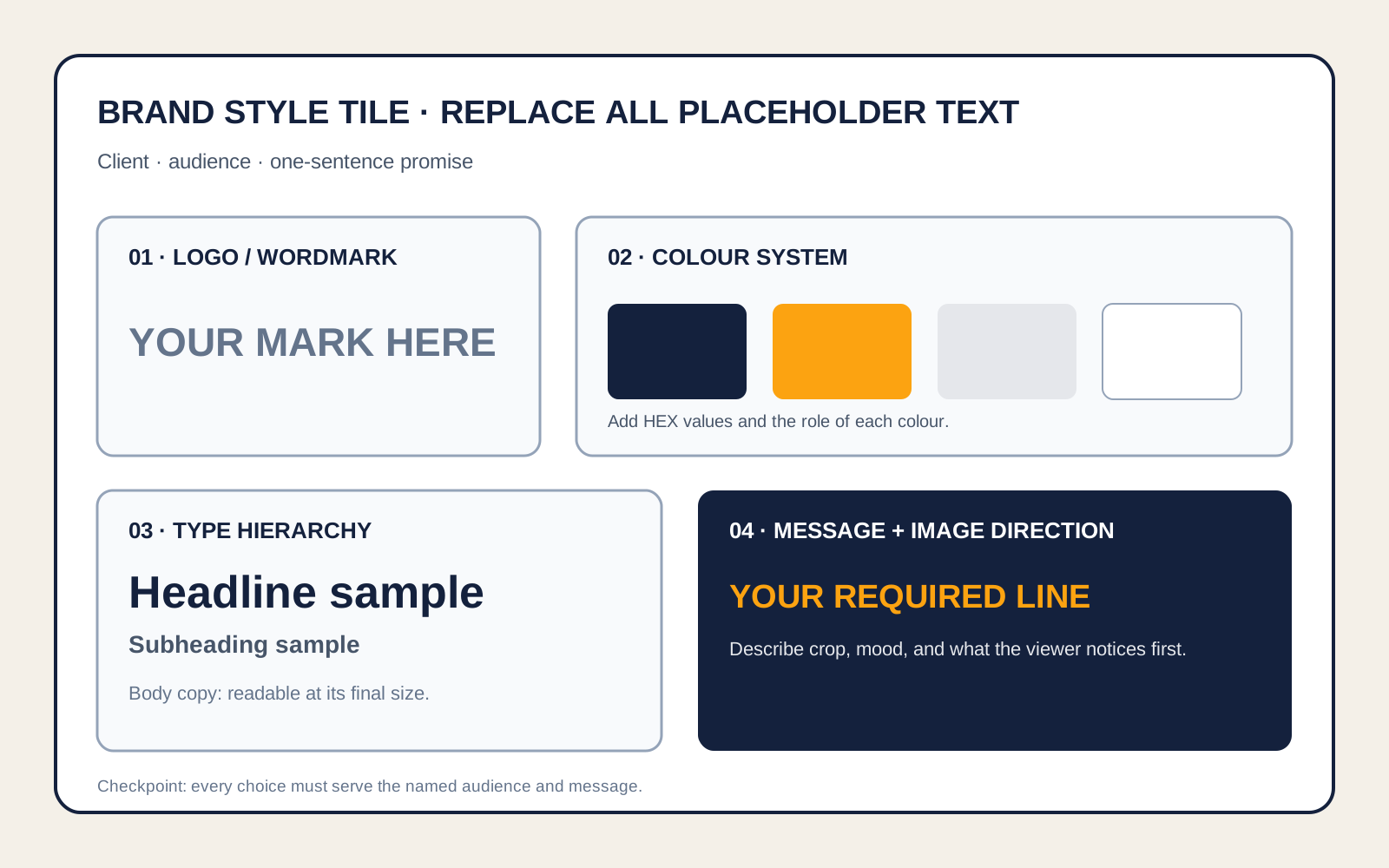
Style tile beside both deliverables

Hotkey: I

Expected result
Colours, type roles, imagery treatment and mark match deliberately
Why this matters
Recognition depends on repeated decisions
Warning — common failure
Using similar but different values
Repair it
Sample from the style tile
Photoshop procedure support for Complete source and accessibility checks
Current Photoshop 2026 or supplied production screenshot. Match the named tool/path; minor panel placement may differ.
Step 19

Complete source and accessibility checks

Source log, contrast and text-safe audit

Hotkey: No required shortcut — use the named menu or panel.

Expected result
Every image is attributed and essential text remains legible
Why this matters
Ethical, accessible production is part of communication
Warning — common failure
Writing only Google as a source
Repair it
Record the original or teacher-supplied file
Photoshop procedure support for Export both formats
Current Photoshop 2026 or supplied production screenshot. Match the named tool/path; minor panel placement may differ.
Step 20

Export both formats

Export As

Hotkey: Cmd/Ctrl Option/Alt Shift W

Expected result
1080 sRGB PNG and print-ready A4 PDF/JPG open correctly
Why this matters
Delivery files serve different contexts
Warning — common failure
Flattening the working PSD
Repair it
Export copies and preserve layers
Photoshop procedure support for Write the design rationale
Current Photoshop 2026 or supplied production screenshot. Match the named tool/path; minor panel placement may differ.
Step 21

Write the design rationale

Four-sentence frame

Hotkey: No required shortcut — use the named menu or panel.

Expected result
Audience, system decision, evidence-led revision and transfer decision are connected
Why this matters
Rationale demonstrates purposeful control
Warning — common failure
Listing tools
Repair it
Use because and therefore
Student check

Answer before moving on

Checkpoint: Style tile, square launch piece, adaptation, audience-test evidence, before/after revision, source log and rationale are complete.
Support

Adapt only the hierarchy and spacing; keep the approved palette, type roles and mark fixed.

Transfer

Reposition the brand for a second audience and defend which system elements needed to change.

← PreviousNext: Assignment →