Communication Technology 11 · Week 1 · Part 1

Decode + establish the system

Class 1 · 0–70 min · Follow every step in order. Do not skip the expected-result check.

Before you begin: Open the student ZIP, place it in a named course folder, preserve the originals, and save a versioned working file before editing.
Linear build

Do → inspect → repair

Every visible outcome is taught below. A step is not finished until your screen or evidence matches the expected result.

Photoshop procedure support for Annotate the client brief
Current Photoshop 2026 or supplied production screenshot. Match the named tool/path; minor panel placement may differ.
Step 1

Annotate the client brief

Client card

Hotkey: No required shortcut — use the named menu or panel.

Expected result
Audience, purpose, required message, tone words and constraints are marked
Why this matters
The brief supplies reasons for every design decision
Warning — common failure
Choosing only by favourite image
Repair it
Name the audience need first
Photoshop procedure support for Create two composition thumbnails
Current Photoshop 2026 or supplied production screenshot. Match the named tool/path; minor panel placement may differ.
Step 2

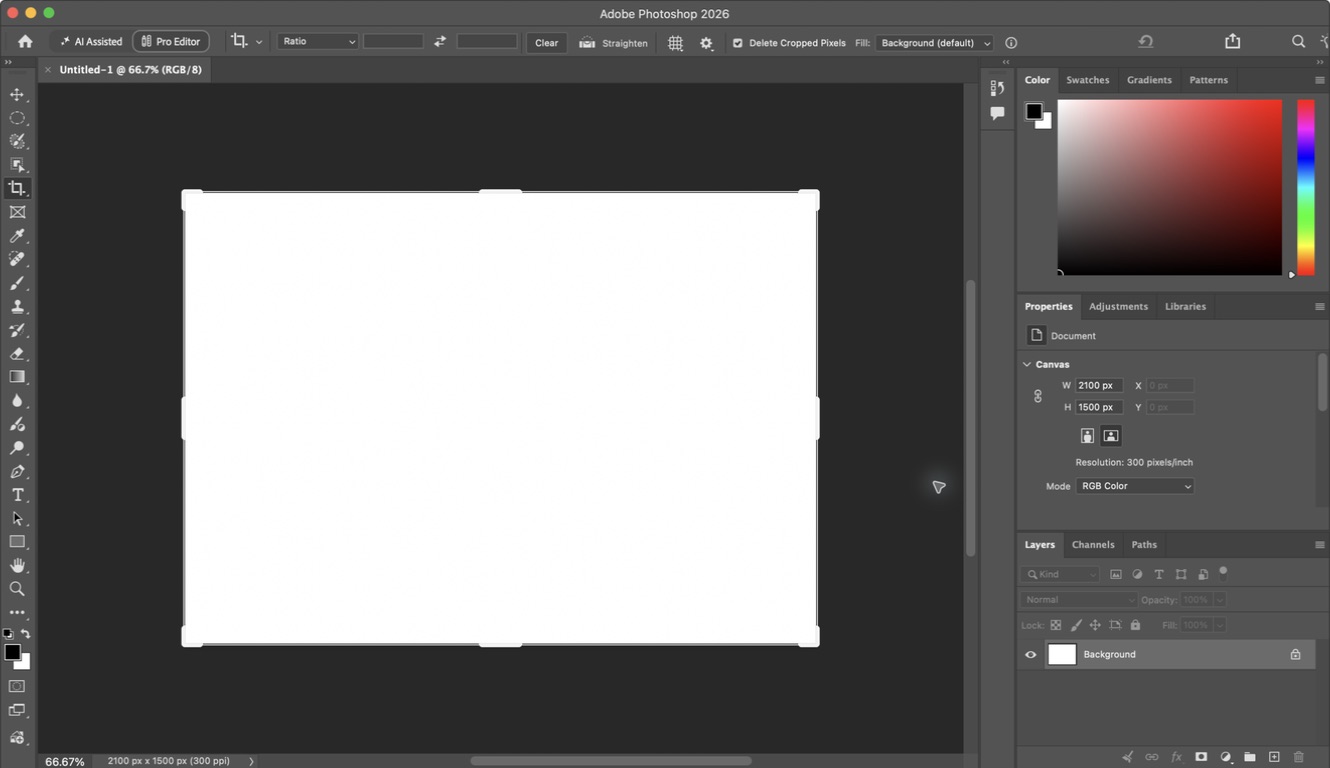
Create two composition thumbnails

Paper or template

Hotkey: No required shortcut — use the named menu or panel.

Expected result
Two distinct reading paths show headline, image and action zones
Why this matters
Alternatives prevent the first idea becoming automatic
Warning — common failure
Drawing decoration instead of hierarchy
Repair it
Use only rectangles and labels
Photoshop procedure support for Repair the weak flyer
Current Photoshop 2026 or supplied production screenshot. Match the named tool/path; minor panel placement may differ.
Step 3

Repair the weak flyer

Design decision laboratory

Hotkey: No required shortcut — use the named menu or panel.

Expected result
Headline, detail and action read in a deliberate order
Why this matters
Comparison makes principles visible
Warning — common failure
Changing the copy
Repair it
Keep every word and change relationships only
Photoshop procedure support for Build the four-colour system
Current Photoshop 2026 or supplied production screenshot. Match the named tool/path; minor panel placement may differ.
Step 4

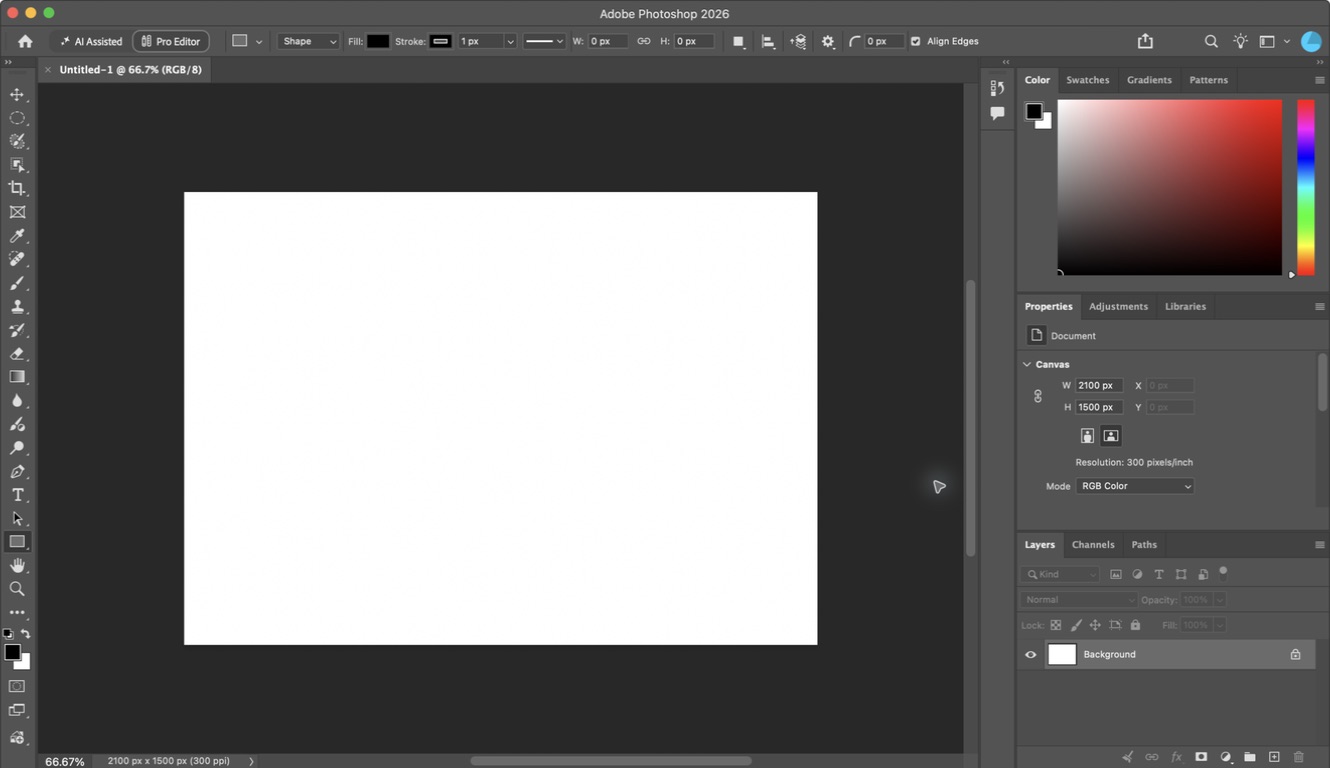
Build the four-colour system

Shape layers plus contrast tester

Hotkey: U

Expected result
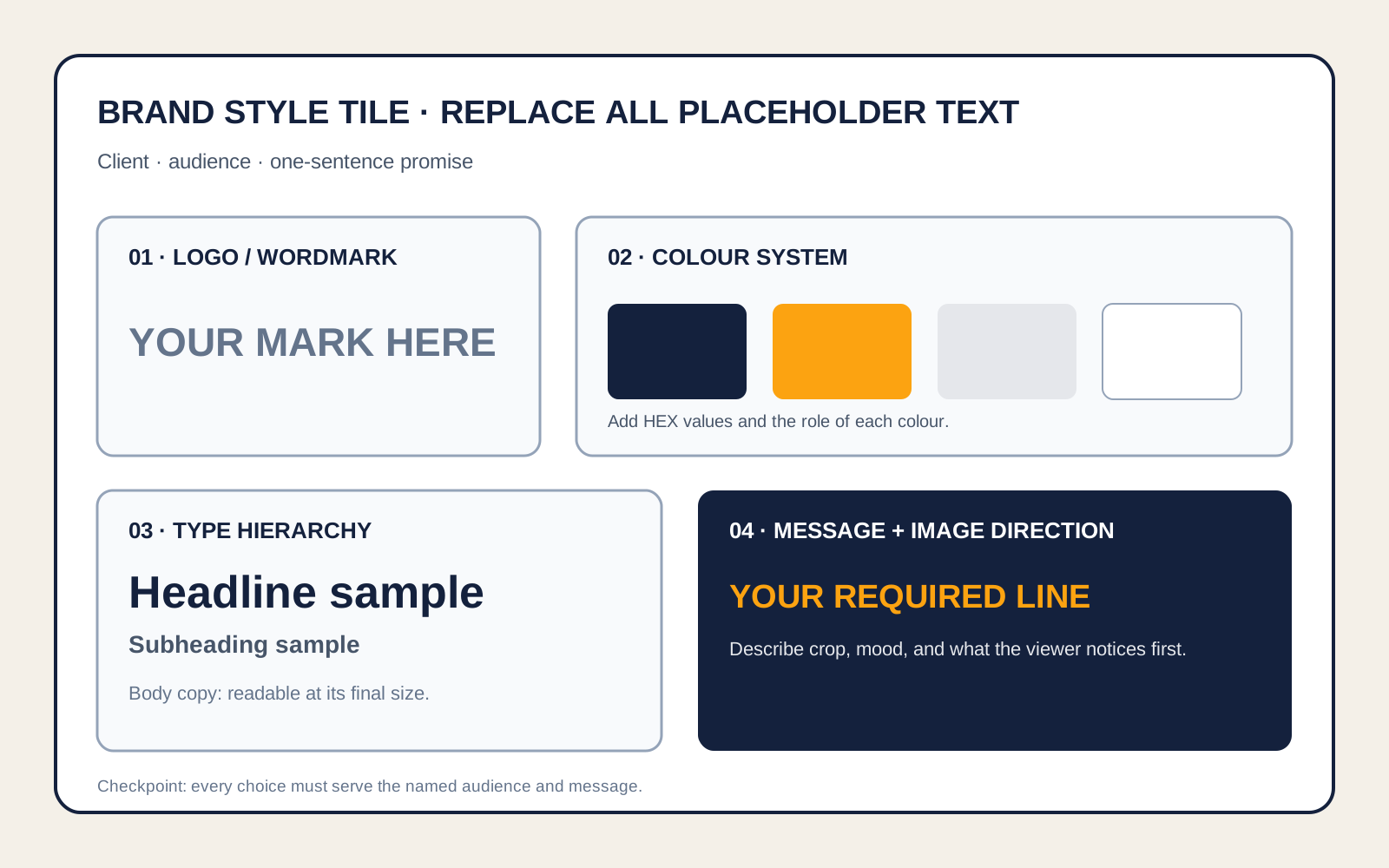
Background, Text, Accent and Support colours have named jobs
Why this matters
A palette is a system, not a list
Warning — common failure
Choosing colours by preference
Repair it
Connect each colour to audience and function
Photoshop procedure support for Assign two type roles
Current Photoshop 2026 or supplied production screenshot. Match the named tool/path; minor panel placement may differ.
Step 5

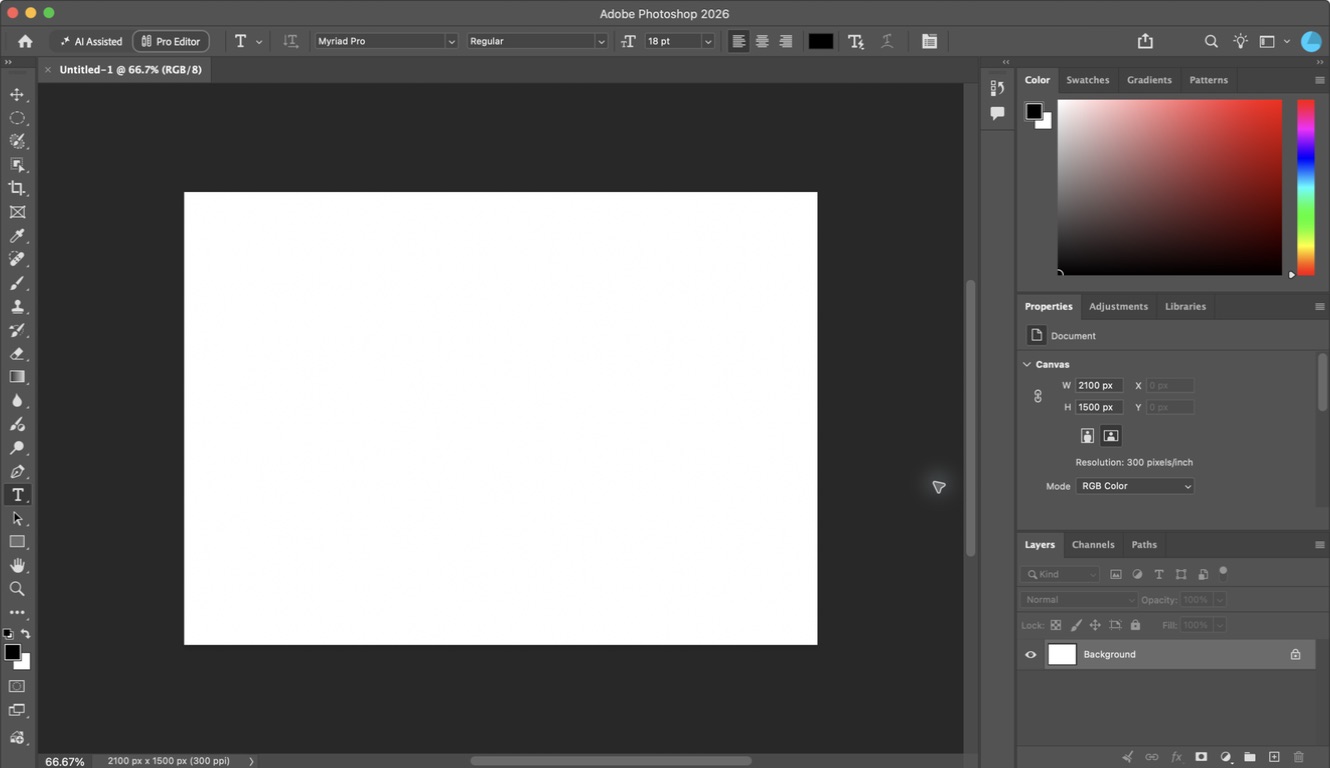
Assign two type roles

Character panel

Hotkey: T

Expected result
Display and text roles contrast without competing
Why this matters
Repeatable roles create voice and predictability
Warning — common failure
Using two decorative faces
Repair it
Make one expressive and one quiet
Student check

Answer before moving on

Checkpoint: Annotated brief, two thumbnails and an editable style tile are complete; every colour and type role can be explained using the audience.
Support

Use the supplied grid, one pre-tested palette and one recommended system-font pairing.

Transfer

Create a second valid style direction for the same client and compare the audience effect.

← PreviousNext part →